Record your first meeting
Go from a conversation to a useful set of notes, without a meeting bot.
macOS · Windows betaBefore you record
Finish installation and speech-model setup. Check recording permissions and make sure your microphone is connected. Let participants know you are recording and obtain any permission required for your meeting.
DoodleNote records from your computer. It does not send a bot into the call.
Start a meeting
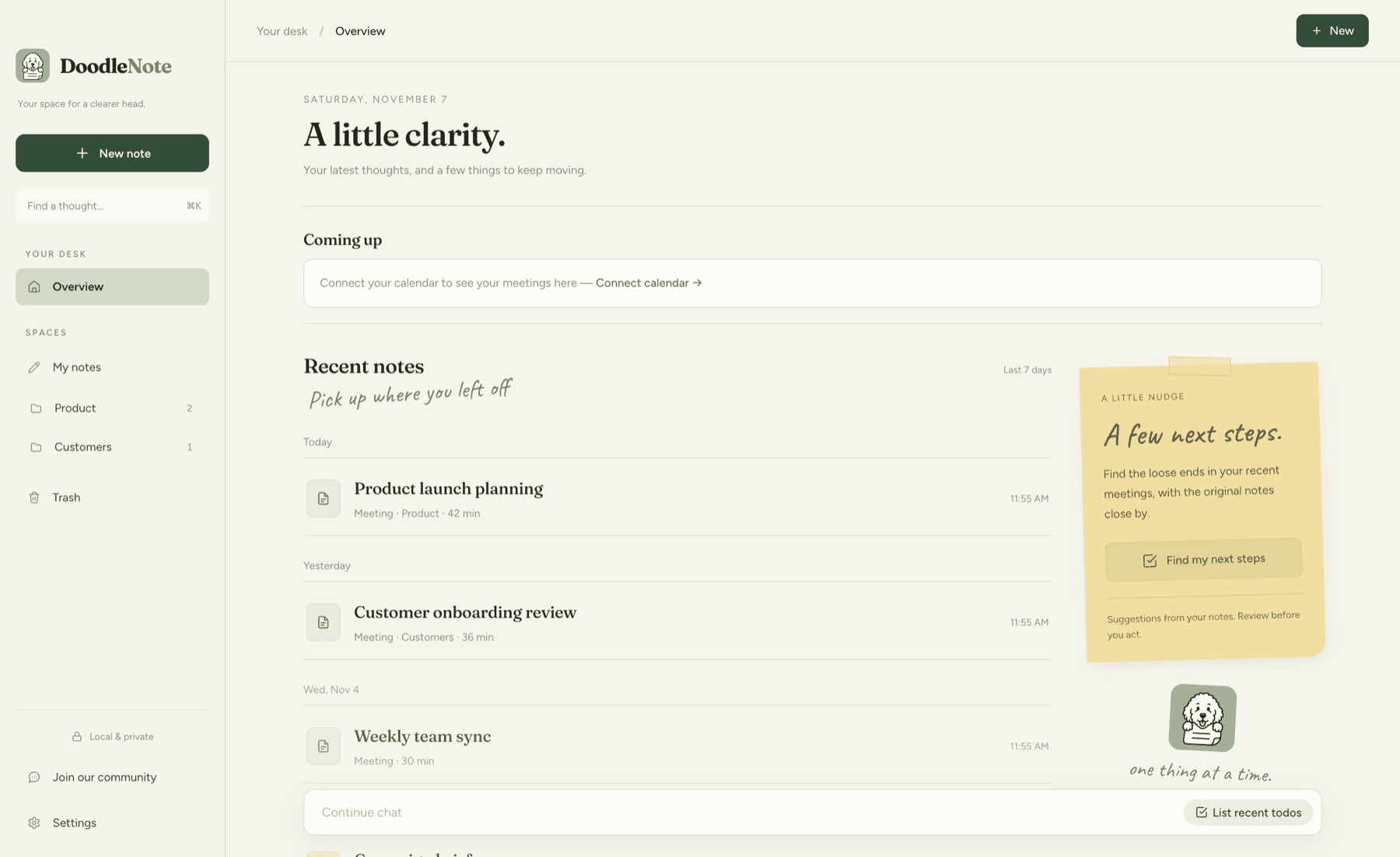
- In the overview, choose New → New meeting.
- Give the meeting a recognizable title.
- Start recording in the meeting. If prompted, grant microphone and system-audio access.
- Speak a few sentences and check that transcript text appears. For an online call, also check that the other side is captured.
- Add rough notes while you listen—names, decisions, or points you want to remember.
- Stop recording when the conversation ends.
Run this short test before your first real meeting. If either side is missing, use Fix recording problems.
Review and generate notes
Open the transcript to check names and important details. With a notes model configured, choose Generate notes to turn the transcript and your rough notes into a structured summary. Some configurations also generate notes after recording stops.
Your meeting should appear in the overview. Open it again to confirm your notes and transcript are there. Read Generate AI notes for reviewing and refining the result.